Working with what you have
Document Studio
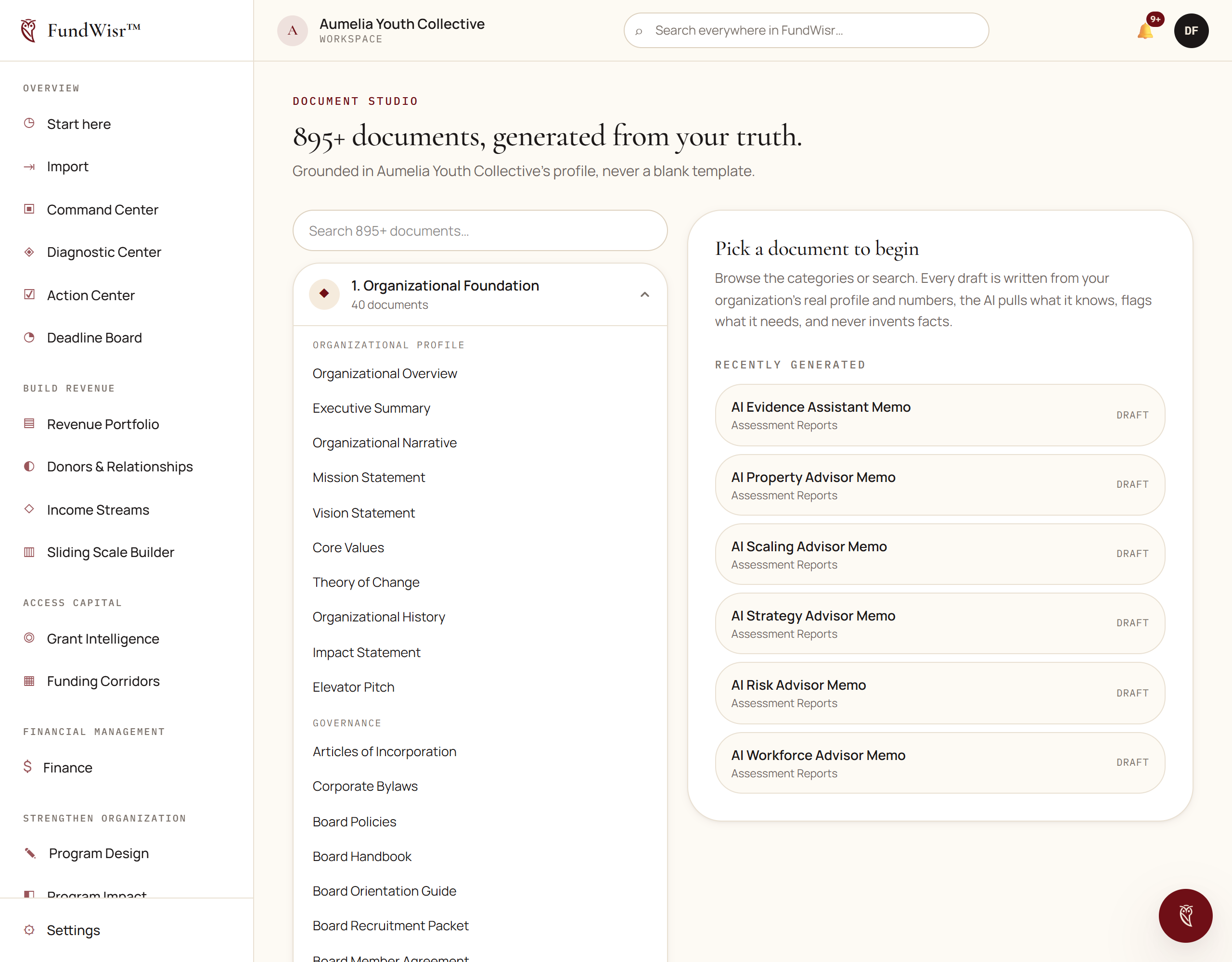
Generating the documents a nonprofit needs, from a library of hundreds, with questions that draw the answer out of you rather than a blank page.
On this page
How it works
Choose a document from the library, answer its questions, and get a draft built from your answers and your organizational records. The questions are the point: they are what a consultant would ask you, in the order they would ask, and answering them is most of the work of writing the document.
Getting a good draft
- Answer specifically. "We serve the community" produces a document that says nothing. "We serve 140 families in two zip codes, most referred by the school district" produces one somebody can use.
- Fill in your organization profile first. Legal name, EIN and address get filled in for you when they are on file, and left blank when they are not. See Your organization profile.
- Read the challenges where a document raises them. They are the objections a reviewer will have, surfaced before the reviewer has them.
What comes out
Document Studio produces clean Markdown, which pastes into Word, Google Docs, or a board portal without fighting you. For a polished PDF, DOCX, or CSV, use the Report Builder instead. Documents you keep belong in Data & Evidence, where they can be linked to the program or grant they support.
Read next
- Data & EvidenceWhere documents and evidence live, linked to the program, grant or goal they support, so a claim can be traced to something.
- Report BuilderPulling real figures out of your tools into a report you can schedule, export, and hand to a funder or a board.
- SignaturesSending a document for electronic signature, and what makes the resulting record hold up when somebody disputes it.
Something here wrong, missing, or out of date? Email support@fundwisr.ai and tell us which chapter. Documentation defects are treated as defects.