Running the account
Settings
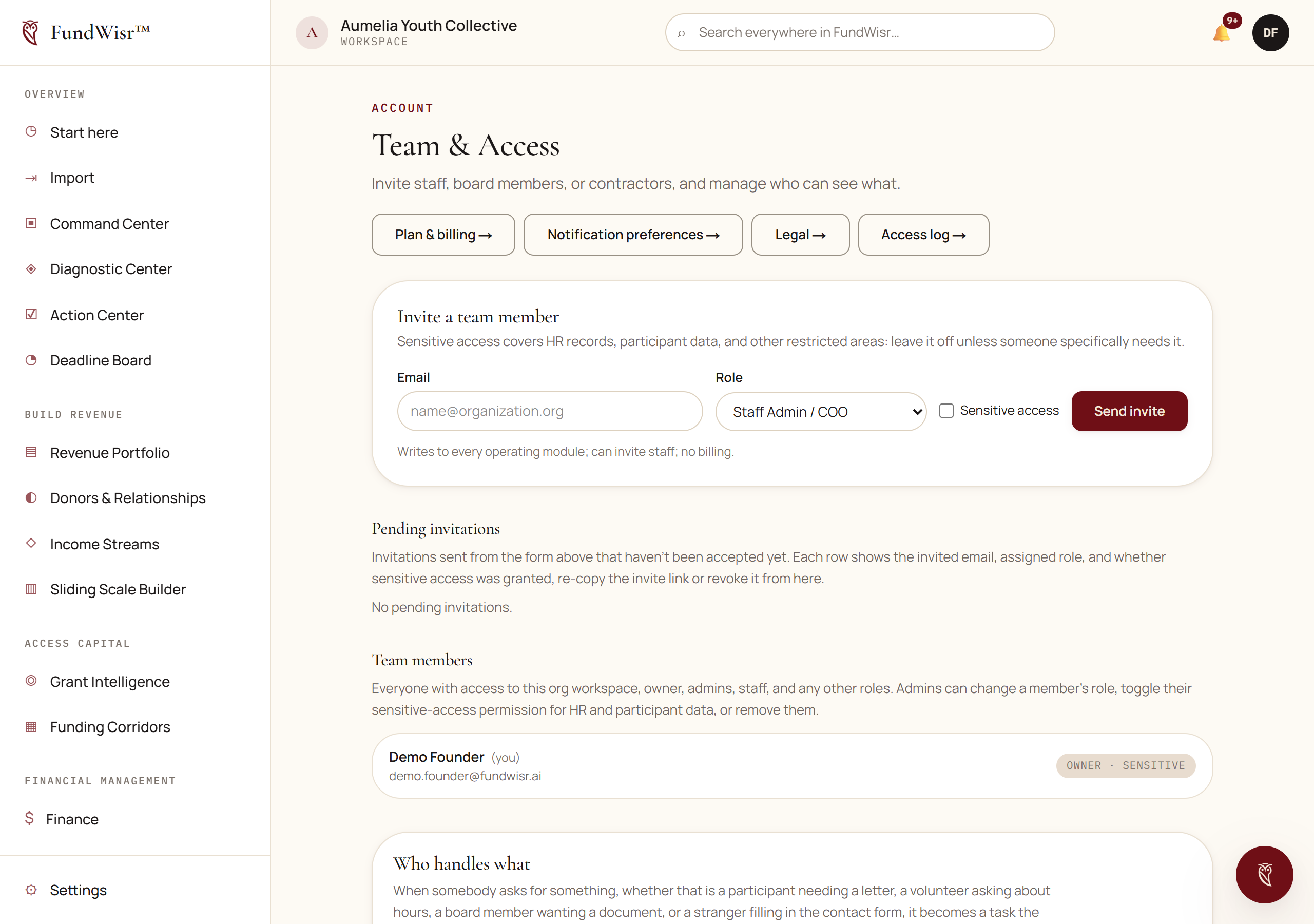
Your team, your organization's details, your legal acceptances, and the record of who did what.
1 min readOpen it in the app →
On this page
What is in here
- Team. Who has access and what role each person holds. See Your team and what each role can see.
- Billing. Your plan, your seats, and your invoices, covered in its own chapter.
- Notifications. What the software emails you and how often, covered here.
- Legal. The agreements this workspace has accepted, and when.
- Audit. A record of significant actions taken in your workspace.
The audit record
It records who did what and when. Most of the time nobody reads it, and the two occasions it matters are when something has gone wrong and when somebody asks you to prove a control exists.
Read next
- Your team and what each role can seeInviting people, the eleven roles, which ones use a seat, and how to give a consultant or auditor narrow access without handing over the organization.
- BillingYour plan, changing it, what a downgrade does to your records, and where the invoices are.
- NotificationsWhat FundWisr emails you, how to make it less, and the two you should keep whatever else you turn off.
Something here wrong, missing, or out of date? Email support@fundwisr.ai and tell us which chapter. Documentation defects are treated as defects.