Running the account
Signatures
Sending a document for electronic signature, and what makes the resulting record hold up when somebody disputes it.
On this page
What the record has to survive
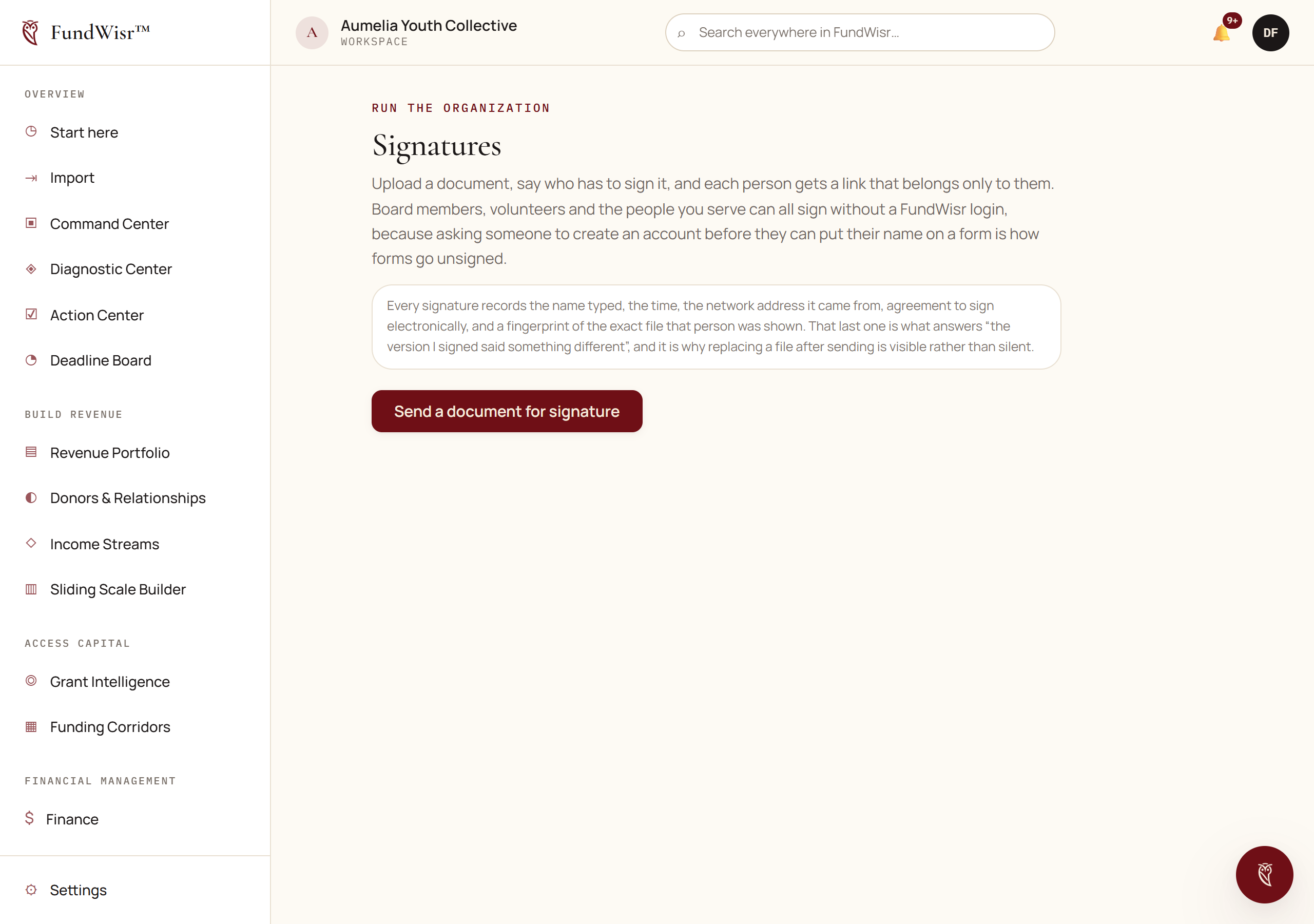
The job is not to capture a name. It is to produce a record that still means something eighteen months later, when somebody says they never agreed, or that what they agreed to was different. Three things carry that weight.
- What they saw
- The document is fingerprinted when the request is sent and again at the moment each person signs. If the file is swapped underneath a pending request, the two fingerprints differ and the record says so rather than quietly attesting to the wrong document.
- That it was them
- A token unique to their own link, plus the address they came from and the browser they used, recorded at the moment of signing.
- When
- The time, kept with the rest, so the sequence of a multi-party signing is not reconstructed afterwards.
Sending one
Generate or upload the document. Document Studio produces most of what nonprofits send.
Add the signers, each with their own email address.
Each person gets their own link. Never forward one person's link to somebody else: the token is what identifies them.
Send, then let it sit. Chasing is what the reminders are for.
When everybody has signed, the completed record is stored with its certificate.
Keep it in Data & Evidence linked to whatever it relates to.
Read next
- Document StudioGenerating the documents a nonprofit needs, from a library of hundreds, with questions that draw the answer out of you rather than a blank page.
- Board & GovernanceTrustees, terms, committees, meetings with drafted minutes, and the conflict of interest disclosures that are always overdue somewhere.
- VolunteersRecruiting, screening, scheduling and recording contributed time, and the portal volunteers use without entering your workspace.
Something here wrong, missing, or out of date? Email support@fundwisr.ai and tell us which chapter. Documentation defects are treated as defects.