Working with what you have
Report Builder
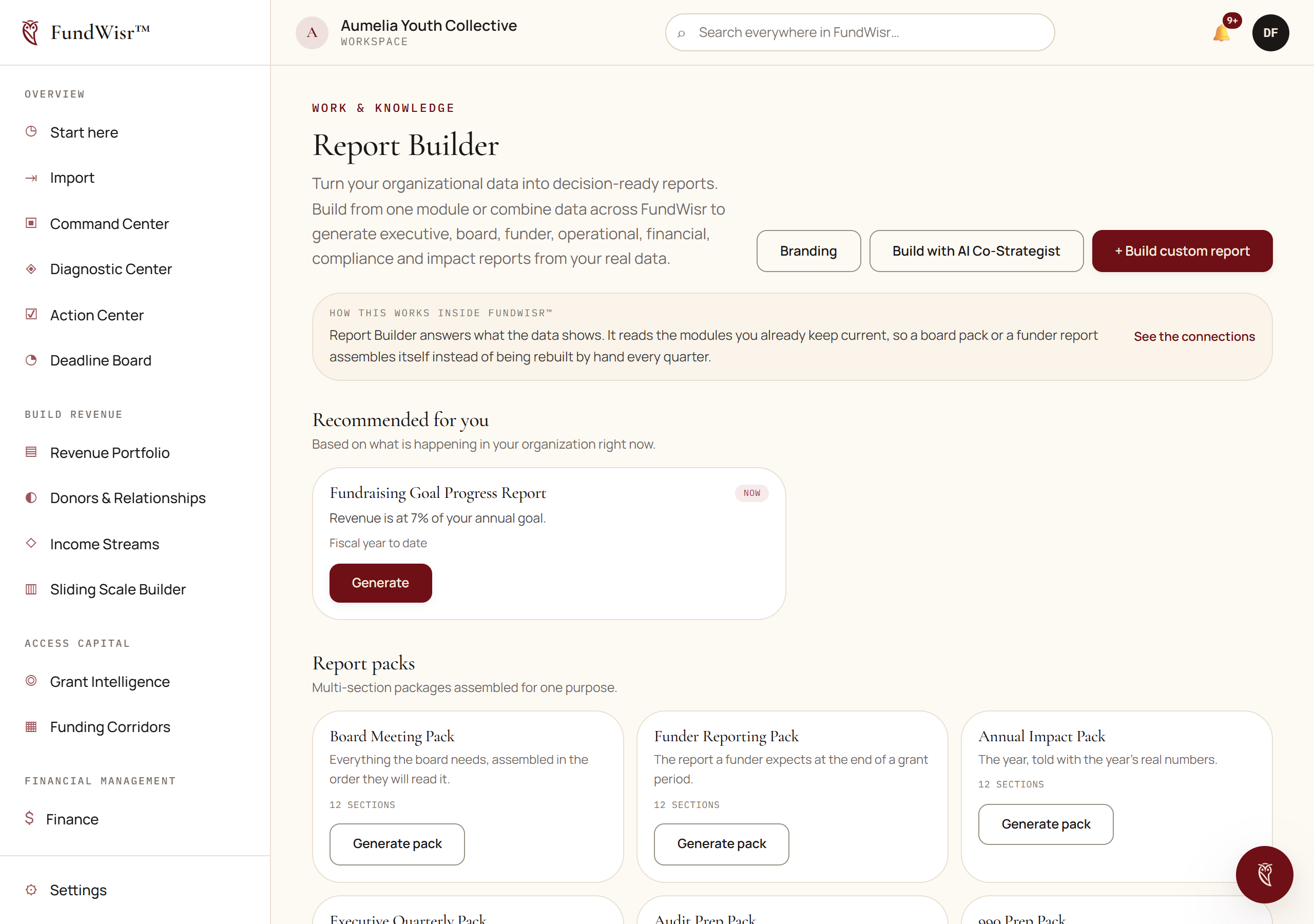
Pulling real figures out of your tools into a report you can schedule, export, and hand to a funder or a board.
On this page
Where it sits
The Report Builder answers what does the data show. That is deliberately narrower than it sounds, and knowing the boundary saves you looking in the wrong place.
| Question | Tool |
|---|---|
| What do we know | Data & Evidence |
| What does the data show | Report Builder |
| What does it mean, and what should we do | AI Co-Strategist |
| What needs attention | Command Center |
| What are we going to do about it | Action Center |
Building and scheduling
Choose what the report is for and who reads it. A board report and a funder report are different documents from the same data.
Pick the sources: revenue, programs, people, diagnostics, governance, finance, whichever the question needs.
Set the period, then generate.
Charts and figures come from live records, so regenerating next quarter needs no rebuilding.
Export as PDF, DOCX or CSV, or schedule it to arrive on its own.
Read next
- Data & EvidenceWhere documents and evidence live, linked to the program, grant or goal they support, so a claim can be traced to something.
- AI Co-StrategistAsking questions about your own organization in plain language, and letting it do things rather than only answer.
- Program ImpactWhat actually happened: outputs, outcomes, indicators tracked over time, and the honest gap between what you measured and what you claimed.
Something here wrong, missing, or out of date? Email support@fundwisr.ai and tell us which chapter. Documentation defects are treated as defects.