Strengthening the organization
Forms & Applications
Building a form, putting it on a public link, and working through what comes back without it turning into an inbox.
What you can build
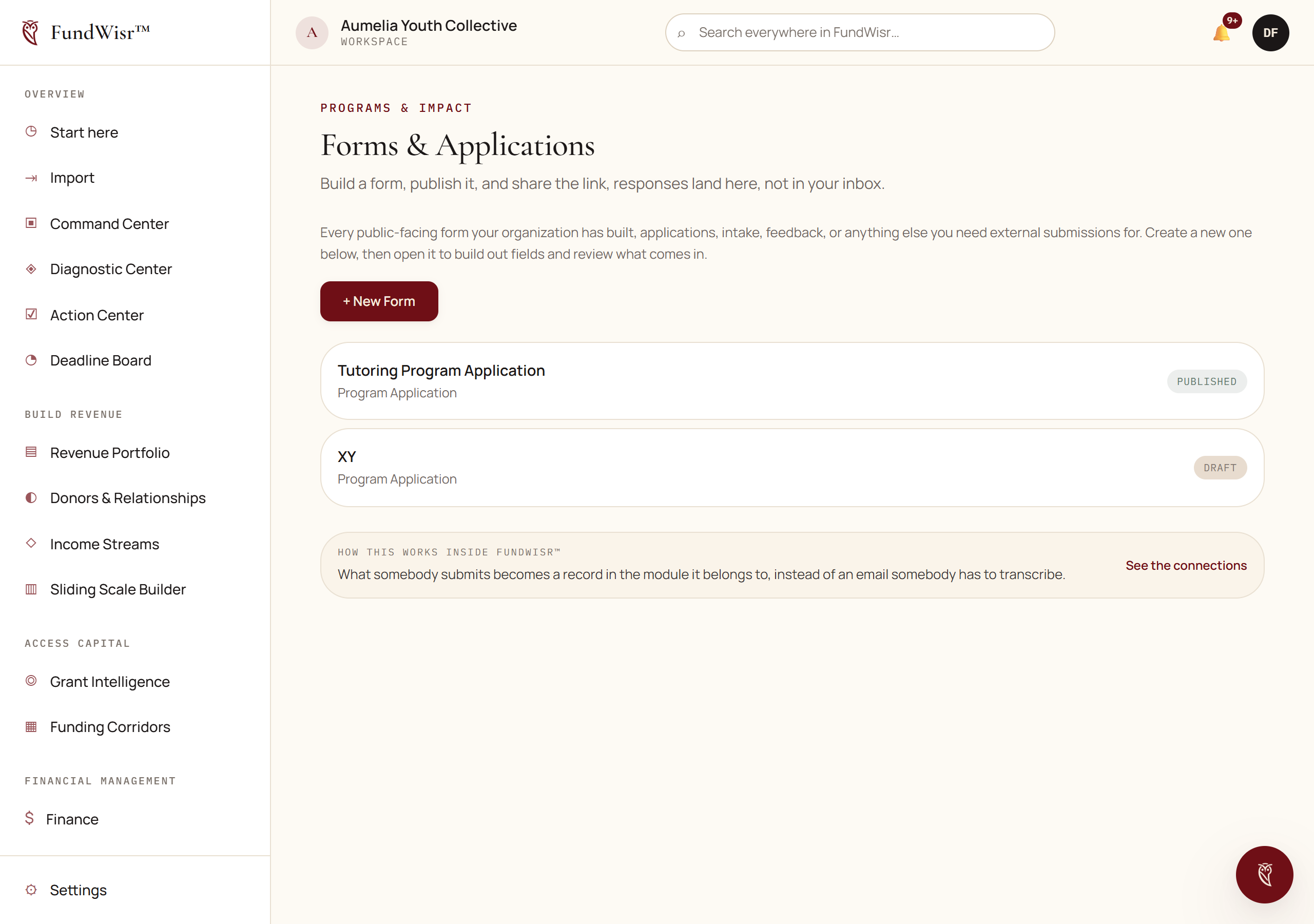
A form is a set of fields you assemble, published at a public link that anybody can fill in without an account. Responses arrive in one place, move through a simple workflow, and export as a spreadsheet.
| Type | For |
|---|---|
| Short text and long text | Names, and anything written. |
| Email and phone | Contact details, validated as you would expect. |
| Number | Amounts, counts, ages. |
| Date | Anything with a day attached. |
| Select, radio, checkbox | Fixed choices, one or several. |
Designing a form people finish
- Ask for the fewest fields that let you make the next decision. Everything else can be asked later, of the smaller group who get that far.
- Put the hard questions last. Somebody who has answered eight easy questions will answer a hard one. Somebody facing it first will leave.
- Say what happens next, on the form. "We respond within five working days" prevents most of the follow-up email a form generates.
- Mark optional fields optional. People abandon forms over questions they cannot answer and do not realize they can skip.
Working the responses
Read new responses and move each one through the workflow rather than leaving it new.
Use the reviewer note to record why, not what.
What is already in the response. Why you decided as you did is the thing nobody can reconstruct later.
Convert the ones that become real into records in the tool that owns them.
A programs applicant becomes a person in People Served; a partnership inquiry becomes a constituent.
Export to a spreadsheet when somebody needs the raw set.
Read next
- People ServedOne record per person moving through your programs, from first inquiry to alumni, with nothing overwritten as they move.
- SignaturesSending a document for electronic signature, and what makes the resulting record hold up when somebody disputes it.
- Bringing your records inGetting donors, giving history, properties, and documents in from a spreadsheet or another system without creating a second copy of everybody.
Something here wrong, missing, or out of date? Email support@fundwisr.ai and tell us which chapter. Documentation defects are treated as defects.