Your daily view
Bringing your records in
Getting donors, giving history, properties, and documents in from a spreadsheet or another system without creating a second copy of everybody.
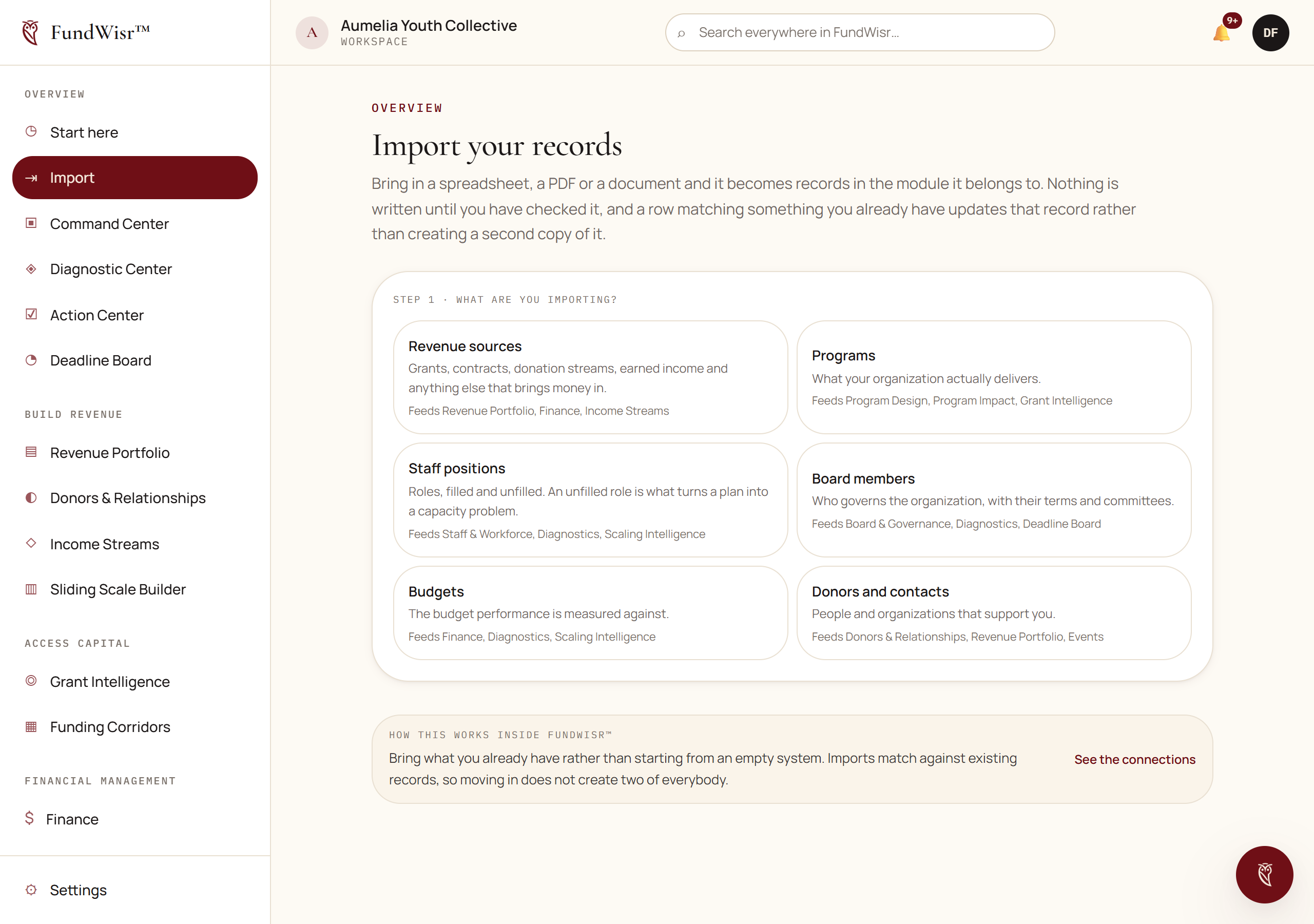
Where bulk import exists
Most records are entered in the tool that owns them, because a record entered where it belongs is immediately readable by every tool that needs it. There is no general upload step and no staging area. Three places do accept records in bulk, because that is how they usually arrive.
| Where | What it takes in |
|---|---|
Integrations | Donors and their giving history, from a CRM, by spreadsheet. |
Property Finder | A property list, which is how a government inventory response usually arrives. |
Data & Evidence | Documents and participant records, once uploaded. |
Importing donors without duplicating them
The donor import matches incoming rows against people you already have rather than creating a second copy of everybody. This is the part worth being careful with, because duplicates are much harder to clean up afterwards than to avoid.
Export from your existing system as a spreadsheet, one person per row.
Keep the email address column if you have one. It is the strongest thing to match on.
Open
Integrationsand choose the donor import.Map your columns to FundWisr's fields.
You are shown what each column will become before anything is written.
Review the matches it proposes before confirming.
Rows it believes are people you already have are shown separately from rows it will create new.
What not to import
- Payment details of any kind. FundWisr does not hold card or bank numbers, and there is nowhere for them to go.
- Everything you have ever had. Twelve years of lapsed contacts makes every list longer and no insight better. Bring in who is current.
- Notes fields containing sensitive personal information about people your programs serve, unless the people who will see them hold sensitive access. See Your team and what each role can see.
Read next
Something here wrong, missing, or out of date? Email support@fundwisr.ai and tell us which chapter. Documentation defects are treated as defects.