Getting started
Setting up how you read
Themes, text size, spacing, motion, and focus. How to make FundWisr readable for you, and have it stay that way everywhere.
2 min read
Where the settings are
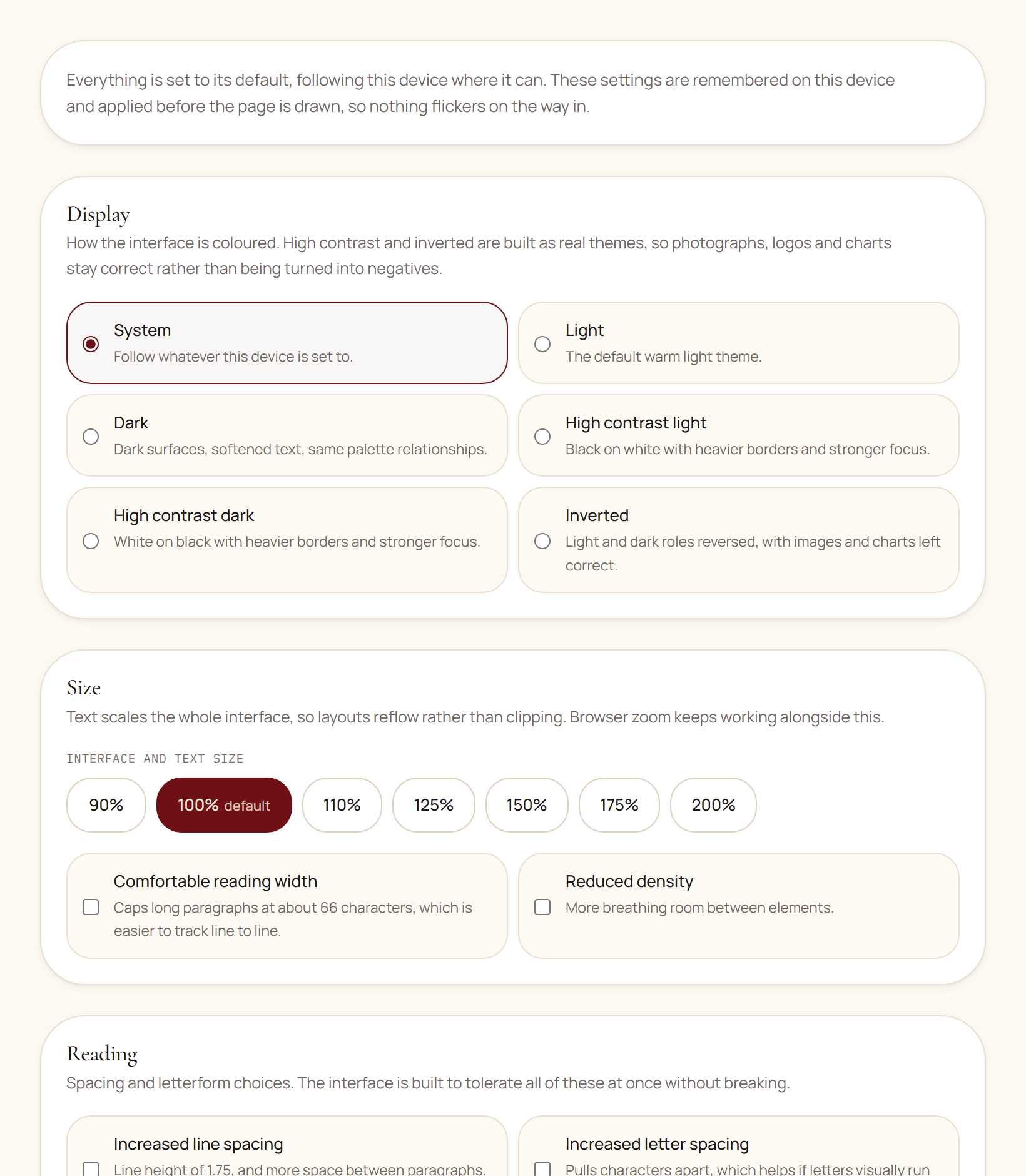
Open your account menu in the top bar and choose Accessibility. Every setting takes effect straight away, and it is remembered for you on every device you sign in from.
What each one does
| Setting | What it does |
|---|---|
| Theme | System follows your device. Light and Dark are the two normal themes. High contrast light and High contrast dark darken every accent color, thicken every border, and drop shadows entirely. Inverted reverses light and dark while leaving photographs and charts correct. |
| Text size | From 90% to 200%. The whole layout reflows; nothing is cut off or overlapped at any size. |
| Motion | Reduced removes animation and smooth scrolling. System follows the setting on your device. |
| Reduce transparency | Makes translucent surfaces solid, which helps if text over a tinted background is hard to separate. |
| Line, letter, and word spacing | Three separate controls, because the three help different readers. Increase whichever helps. |
| High-legibility font | Swaps the typeface for one with more clearly distinguished letterforms. |
| Reading width | Comfortable narrows long text so your eye does not have to travel as far across a line. |
| Density | Reduced puts more space between everything on a page. |
| Enhanced focus | Makes the outline around whatever you have tabbed to considerably more visible. |
Using FundWisr without a mouse
- Tab moves forward, Shift + Tab moves back, Enter or Space activates.
- A skip link is the first thing you reach on every page. Pressing Enter on it jumps you past the navigation into the page content.
- Escape closes any dialog, and returns you to the control you opened it from rather than to the top of the page.
- Arrow keys move within a menu once you have opened it.
- Date fields use the arrow keys to change day, month, and year, and Tab to move between them.
Read next
Something here wrong, missing, or out of date? Email support@fundwisr.ai and tell us which chapter. Documentation defects are treated as defects.